Step by step — a real project
Watch a plan become photoreal.
One AURA Architecture interior, from parsed plan to delivered render — every wall, opening, and furniture position preserved end to end.
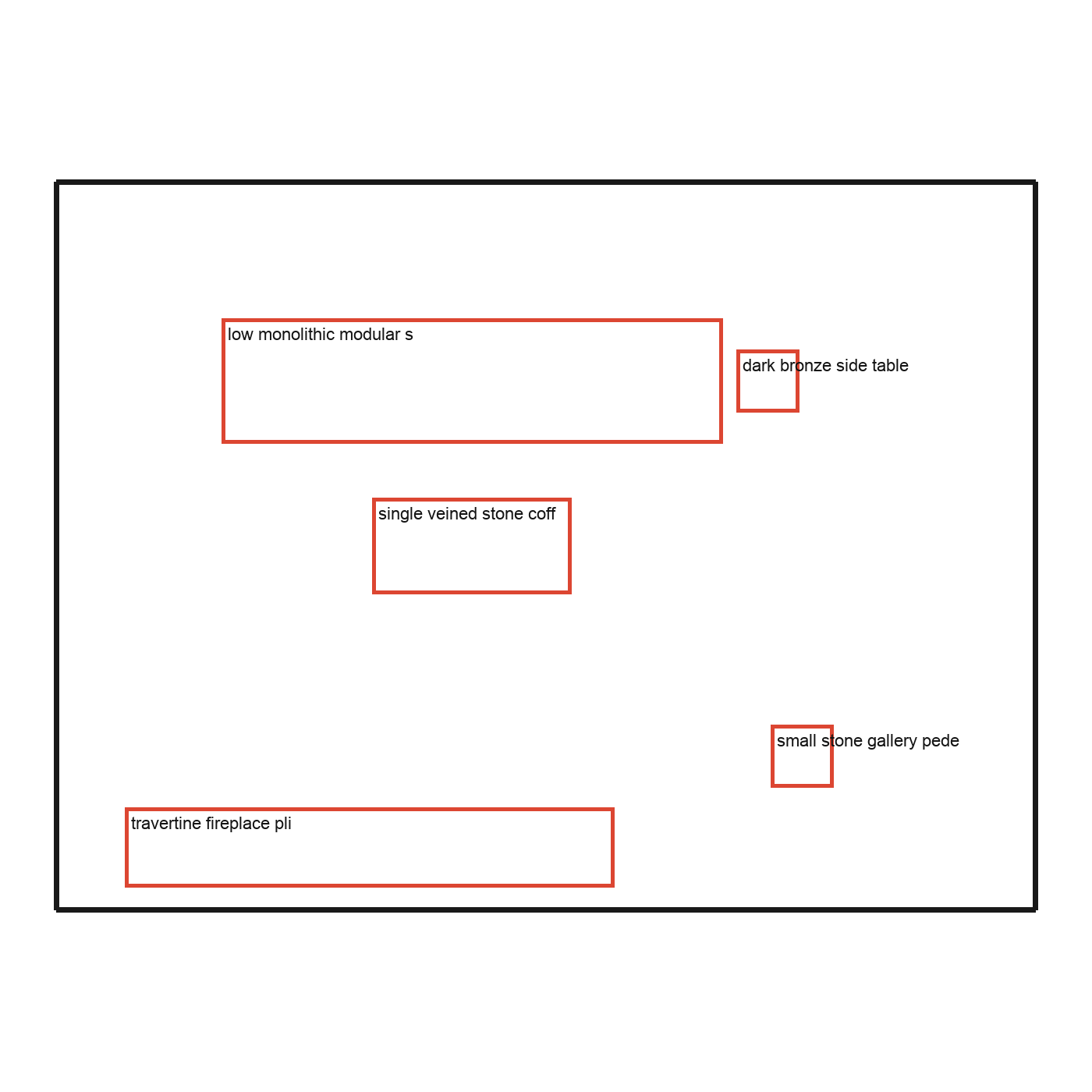
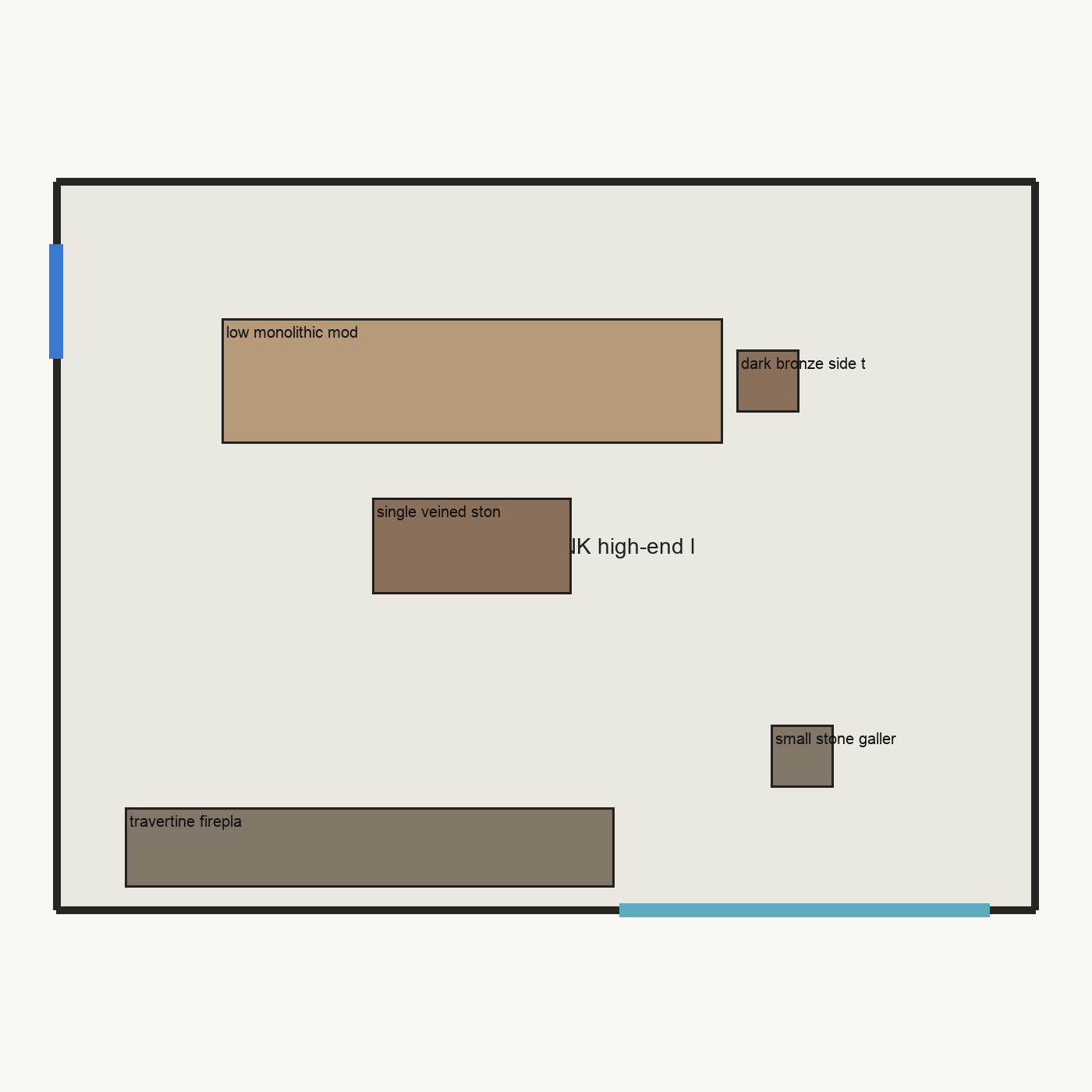
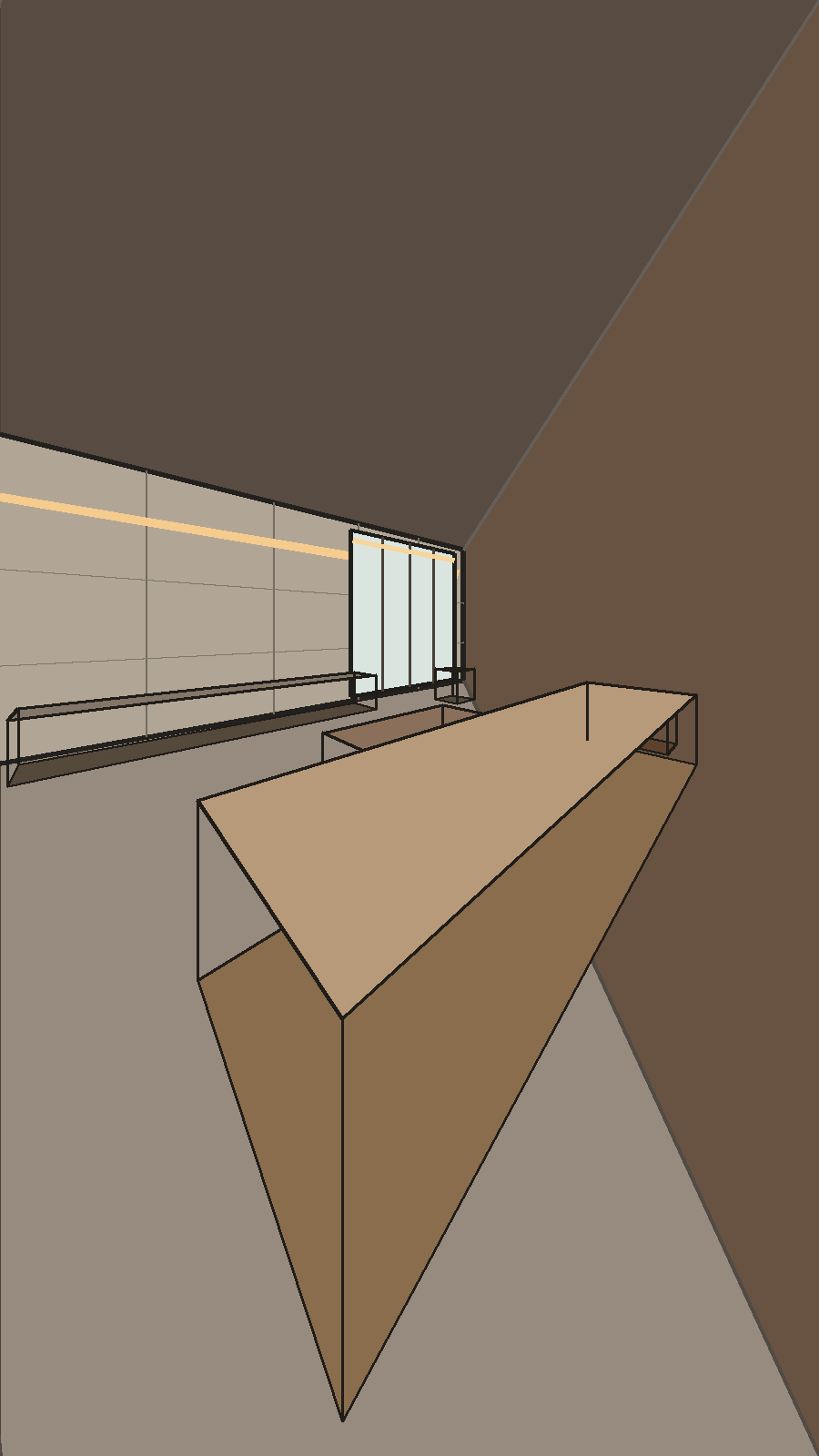
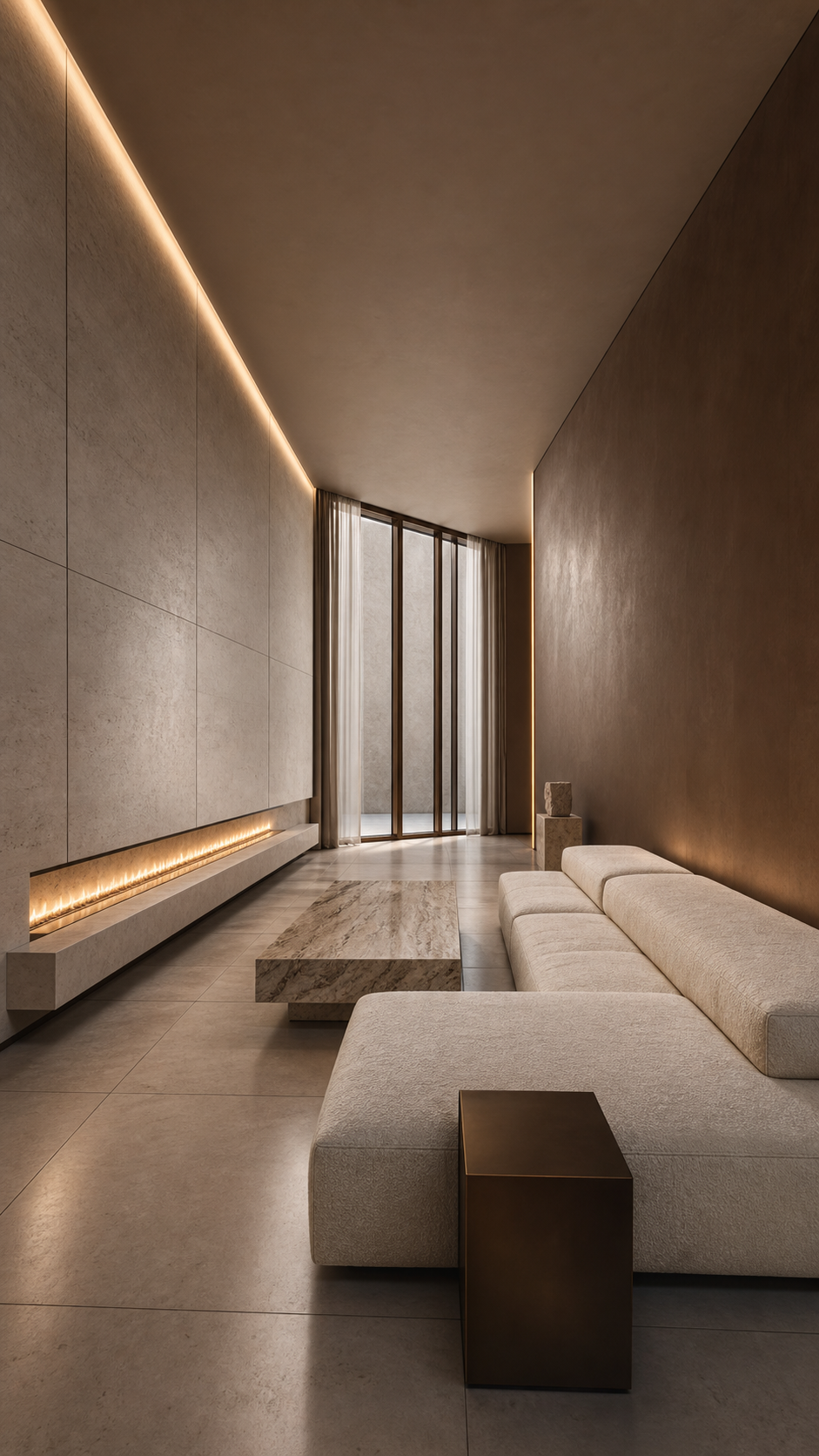
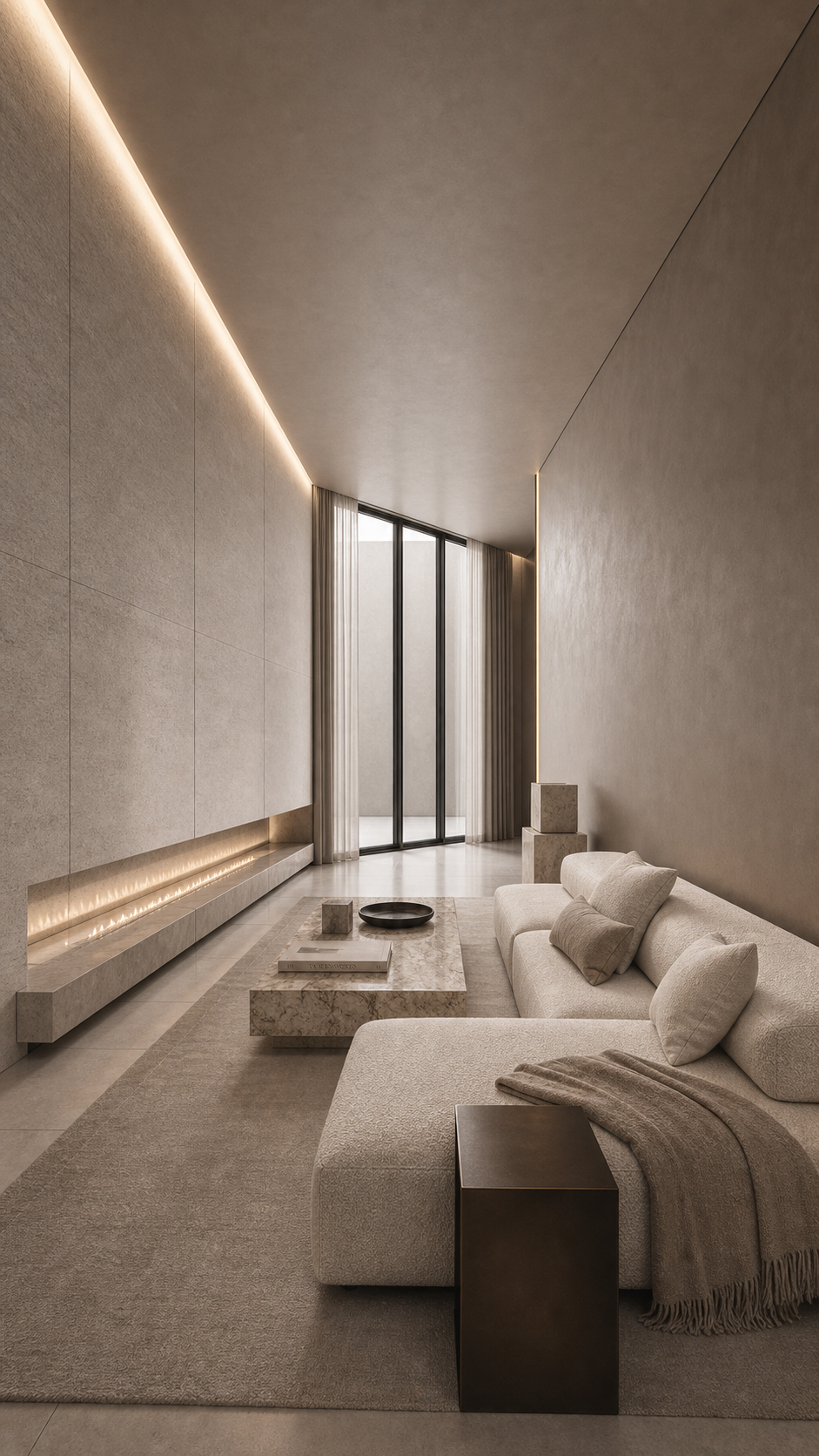
ArchVision AI turns an architect's plan into magazine-grade interior visualization — without the weeks in a 3D studio. Your walls, openings, and dimensions stay exact. The AI is only ever allowed to make the space beautiful: light, materials, atmosphere. It is never allowed to move a wall.
Plan-faithful · Geometry-locked · Delivering for AURA Architecture
Traditional 3D visualization is faithful to your plan but takes weeks and a studio's budget. AI image tools are fast and gorgeous — and quietly invent walls, resize rooms, and hallucinate furniture that could never be built.
For an architect, a beautiful render of the wrong room is worse than no render at all. It misleads the client and breaks on site.
ArchVision AI refuses the trade-off. Truth vs Beauty: the plan is law, and the AI only adds the light.
Your CAD drawing is converted into a precise 3D scene — real rooms, real openings, real dimensions. This is the spatial truth everything else must obey.
A trained model polishes realism — materials, lighting, mood — locked to the scene's depth so it can refine the look but cannot redesign the space.
An automatic structural check compares every result to the signed-off geometry. If a wall, opening, or hero element shifted, the result is rejected. Not flagged — rejected.
Send your CAD/DWG plan. We convert it to a measured, canonical 3D scene — the source of truth.
A real renderer produces accurate passes — beauty, depth, materials — with your geometry intact.
A depth-locked, project-trained model lifts it to photoreal — your studio's signature look, applied consistently.
Structural QC confirms nothing drifted, then we deliver stills and a walkthrough video, on brand and on plan.
One AURA Architecture interior, from parsed plan to delivered render — every wall, opening, and furniture position preserved end to end.
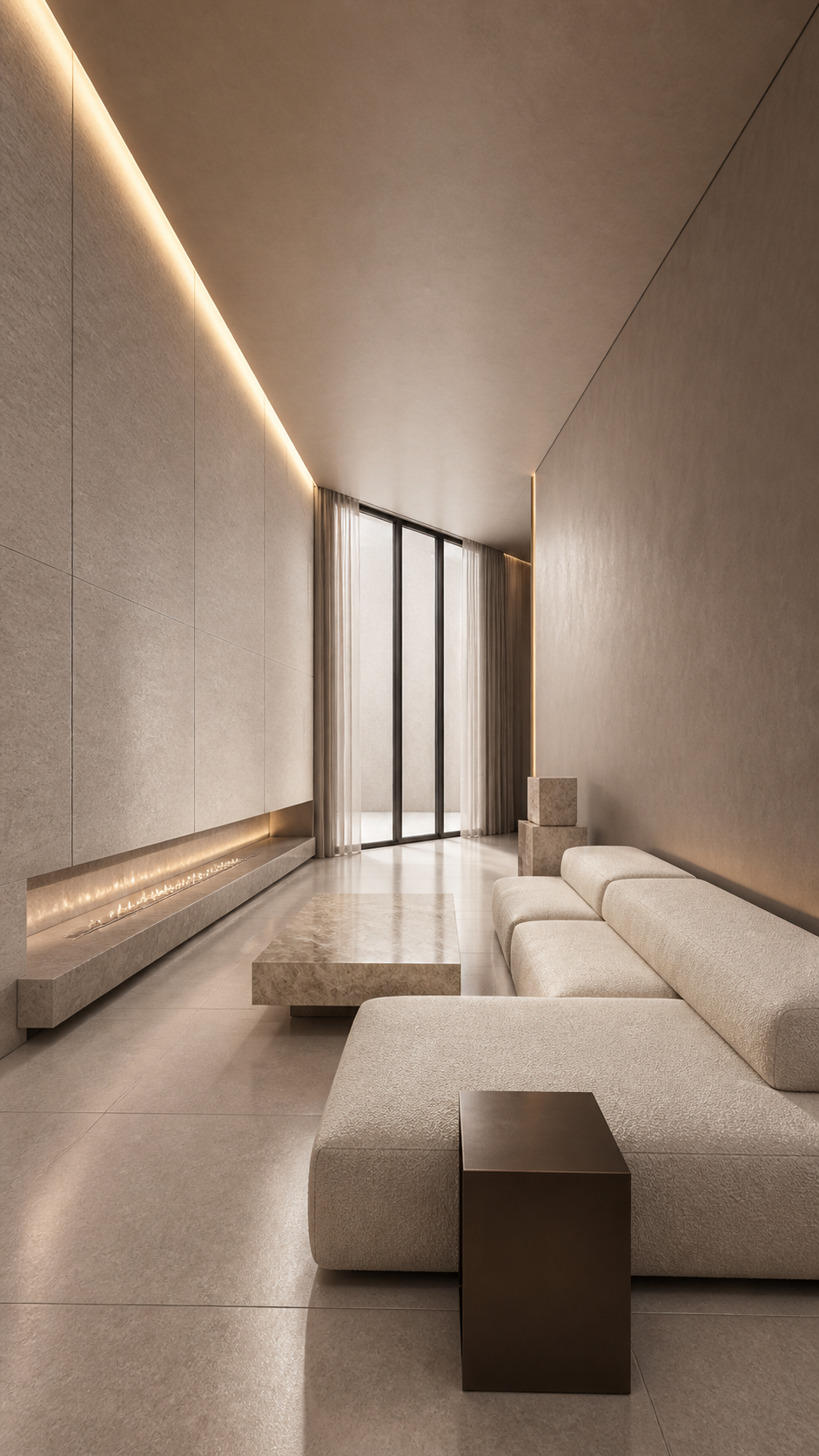
For studios and developers who want the result without running the pipeline. Send your CAD plan; we deliver photoreal stills and a walkthrough video, trained on your aesthetic and faithful to your geometry.
Per-project, trained on your studio's signature look.
Request a quoteThe self-managed platform for studios and real-estate developers who want to generate visualizations — and, soon, interactive browser walkthroughs — on their own. Currently in private early access.
Includes the visualization pipeline; live interactive walkthroughs (browser/VR) rolling out next. In-house pipeline builds quoted on demand.
That's the entire point. Your plan is converted to a measured 3D scene, and every result is automatically checked against it. If a wall, opening, or key element drifted, the result is rejected before it reaches you. The AI refines light and materials — it cannot move geometry.
Your CAD/DWG plan and a few reference images of the look you want. We convert the plan to the scene and train on your aesthetic, then deliver.
Yes. We train a per-project model on your reference work so the output carries your studio's look consistently across every view — not a generic "AI interior" style.
Both. Project packages include a rendered walkthrough video. Interactive, real-time walkthroughs you can navigate in a browser are rolling out in the in-house platform.
Yes — the in-house platform is in private early access, and we also build the pipeline directly into studios that want to own it. Book a call to scope it.
Send us a plan and see your geometry rendered photoreal, without a single wall out of place. Per-project, or built into your studio.